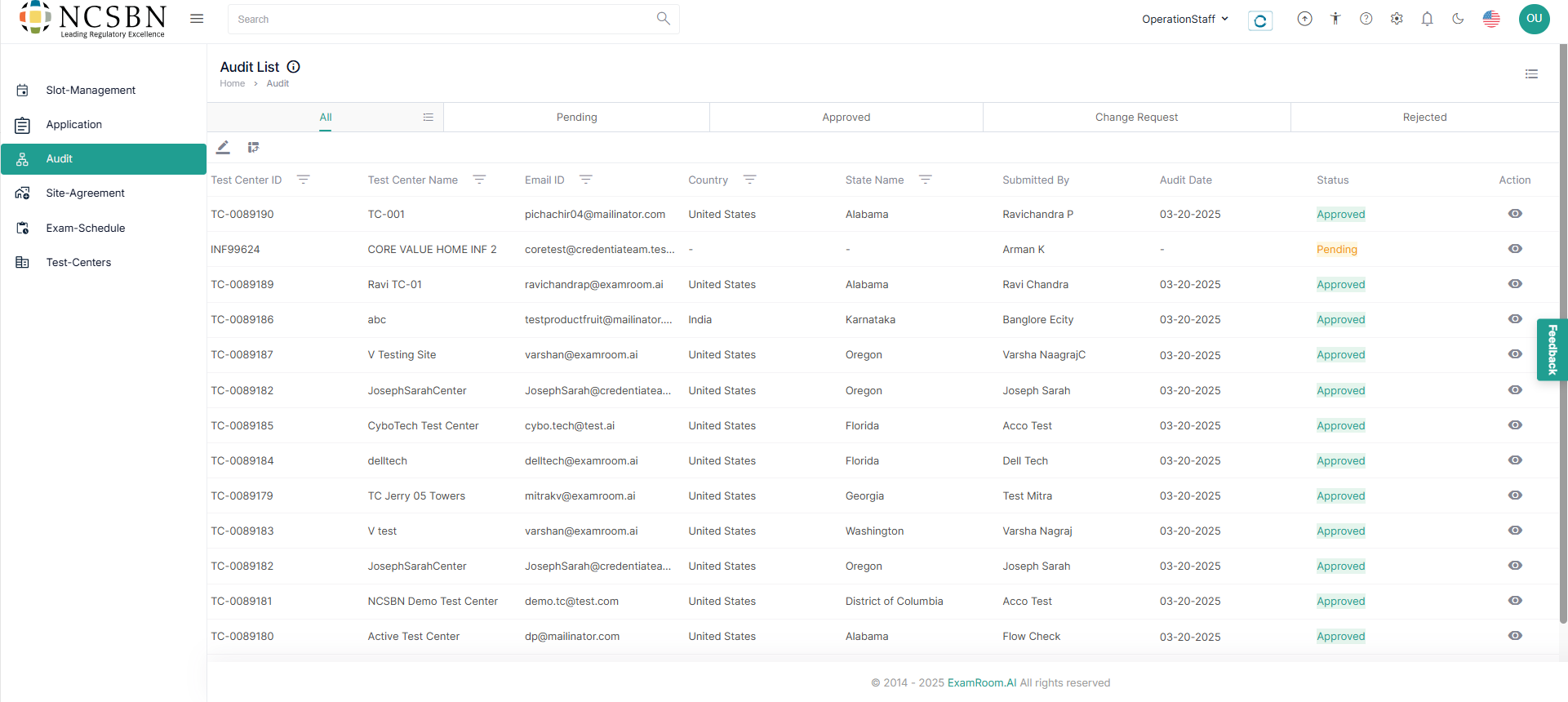
View Audit List
The Audits section simplifies test center audit reviews by streamlining the process, enabling compliance norms and requirements to be met, and providing staff with a complete overview of all audit information for efficient management.
- Navigate to the Left Side Menu and select Audit.
- You can view audit forms organized into different tabs and tables based on their status. Each tab/table represents a specific status category for easier navigation and review.
- In the Audit section, all the submitted audit lists are displayed in a tabular format with their key information.
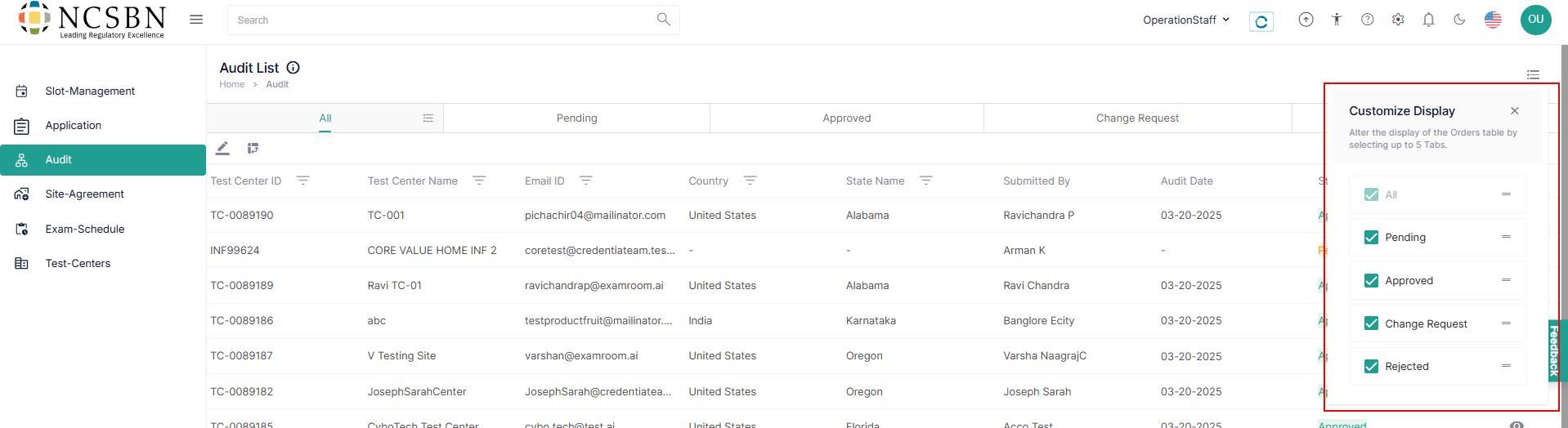
Customize the display of the Audit list
- You can customize the table and arrange the columns as per your preference by following the below steps to customize the display of the table:
- Click the Hamburger Menu from the top right of the page and select the required check boxes to view the respective columns in the table.
- To arrange/rearrange the order of the columns, drag the Drag Icon provided next to each column label.