First Time Login
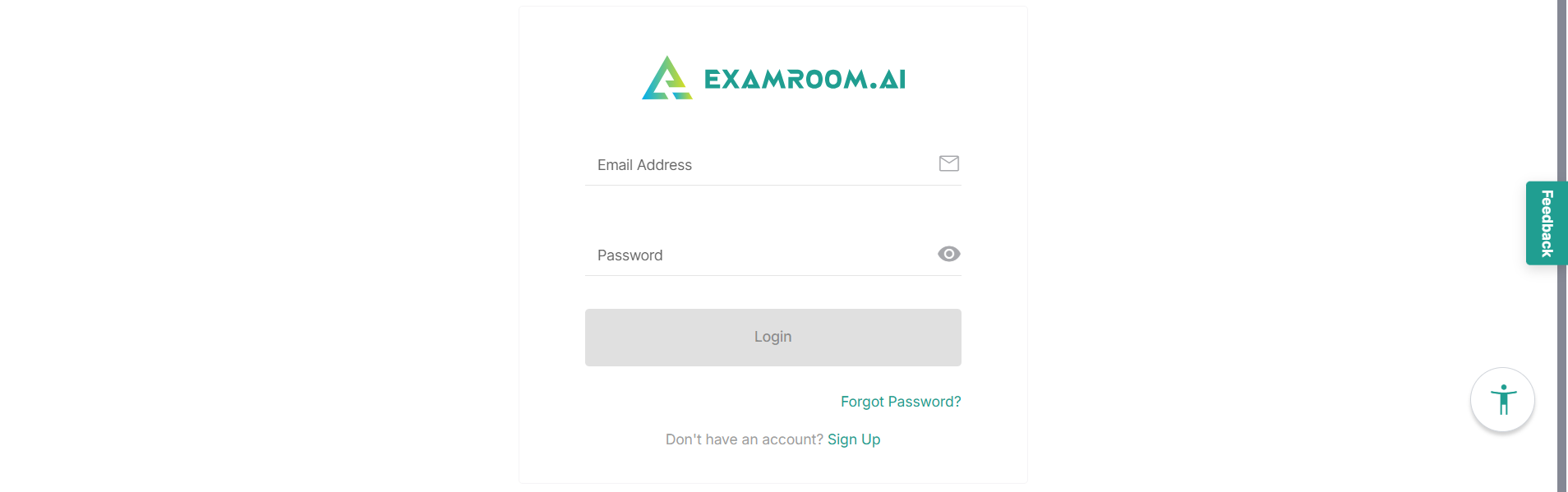
To log in to the Test Site Management (TSM) account, go to the TSM login page and use your registered login credentials.
Follow the below steps to log in to the TSM Ops Staff platform account:
Go to the TSM platform welcome page: https://testsitemanagementuat.examroom.ai
- Click the Login button and navigate to the Login page.
- Enter your registered Email Address associated with your TSM account in the email field.
- Enter your Password in the password field.
- Click the Login button to log in to your account.