Logging In: Subsequent Logins
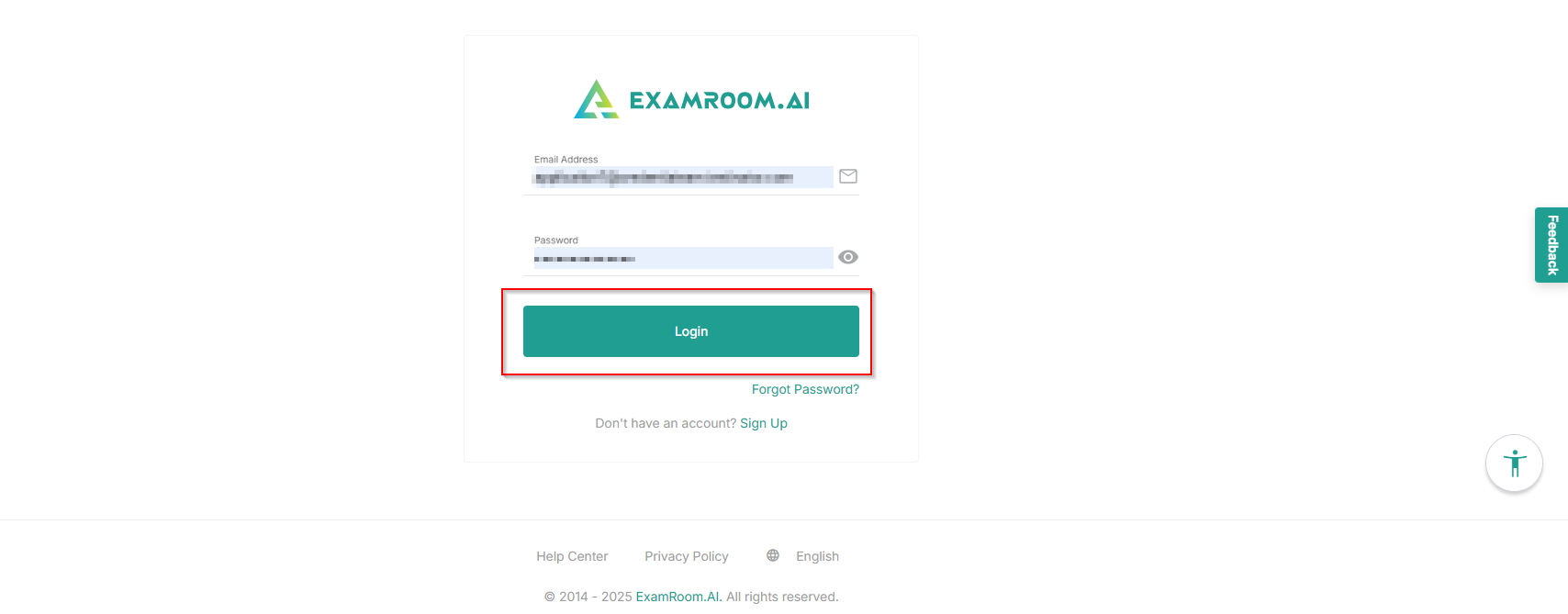
Follow the steps to log in with the TSM Platform:
- Navigate to the TSM platform login page: https://testsitemanagementuat.examroom.ai/
- Enter your registered email address associated with your TSM account in the Email field.
- Enter your password in the Password field.
- Click the Login button and enter the OTP sent to the registered email to log in to your account.
Note: Your account will be locked for 12 hours if you enter the wrong credentials 5 consecutive times.