Add New Role
The Site Manager can create and add multiple roles to a single user and manage the access of the users using the Manage User Roles in General settings in the TSM console.
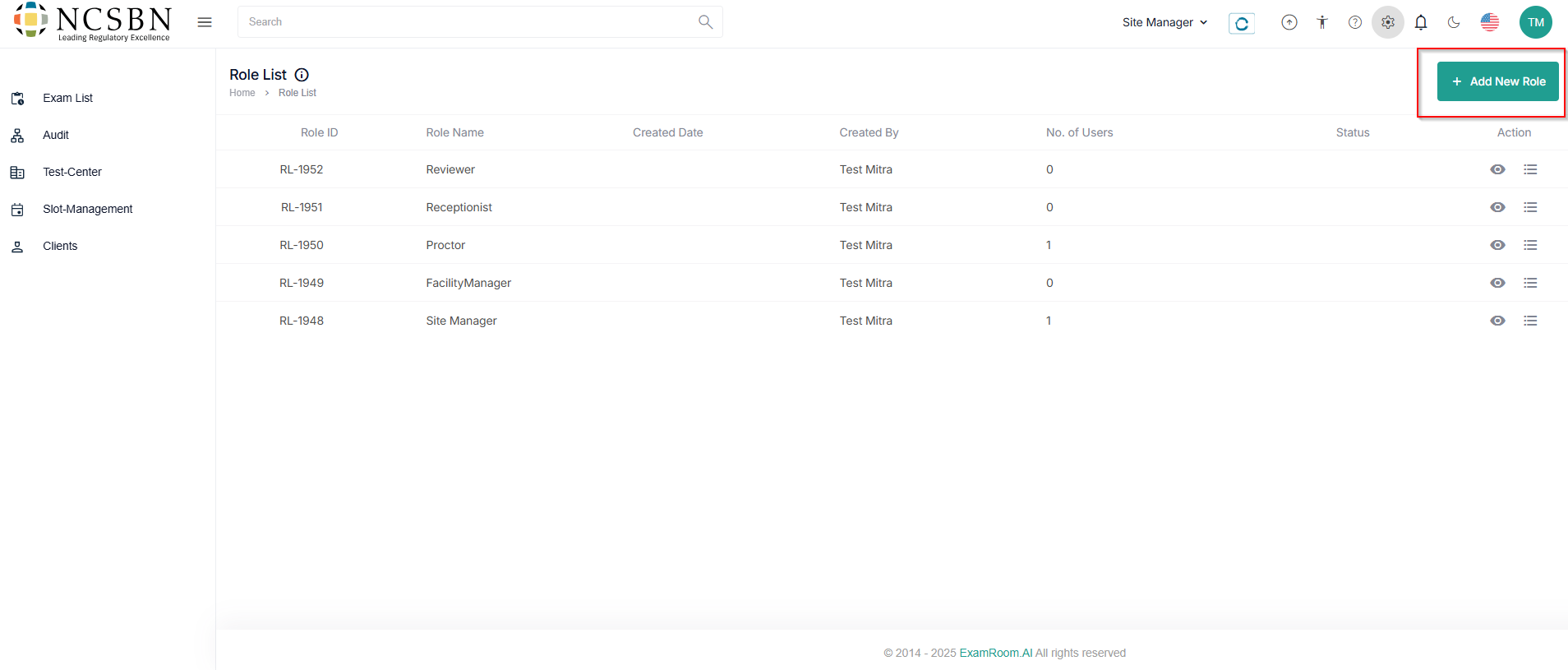
- Click + Add New Role to create a new role for the user and manage their permission.
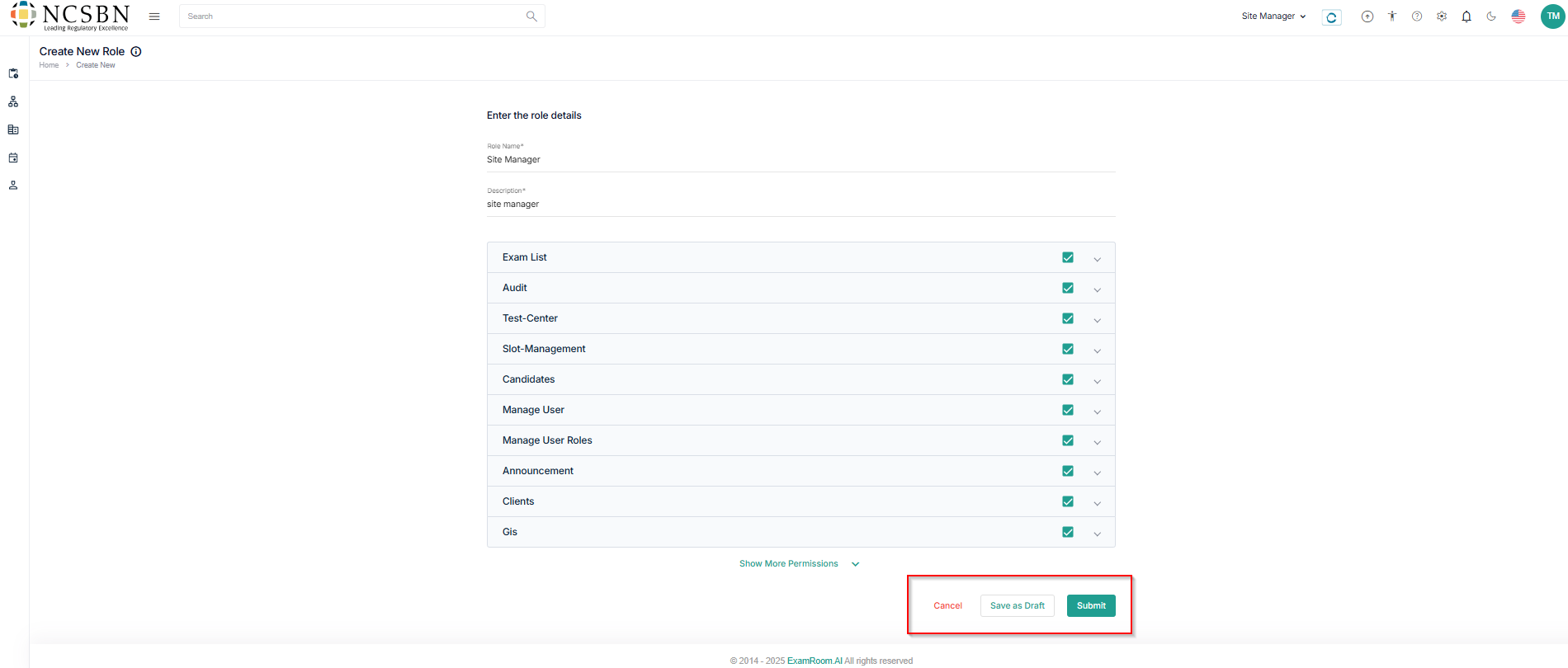
- Enter the role details, fill out all the mandatory details.
- Role Name
- Description
- Check the necessary permissions from the list
- Click Submit to create a new role, Save as Draft to save the application details, or Cancel to go back to the roles list.
- After successfully adding them, the site manager can see all the roles in the Roles List tab.