Test Center List
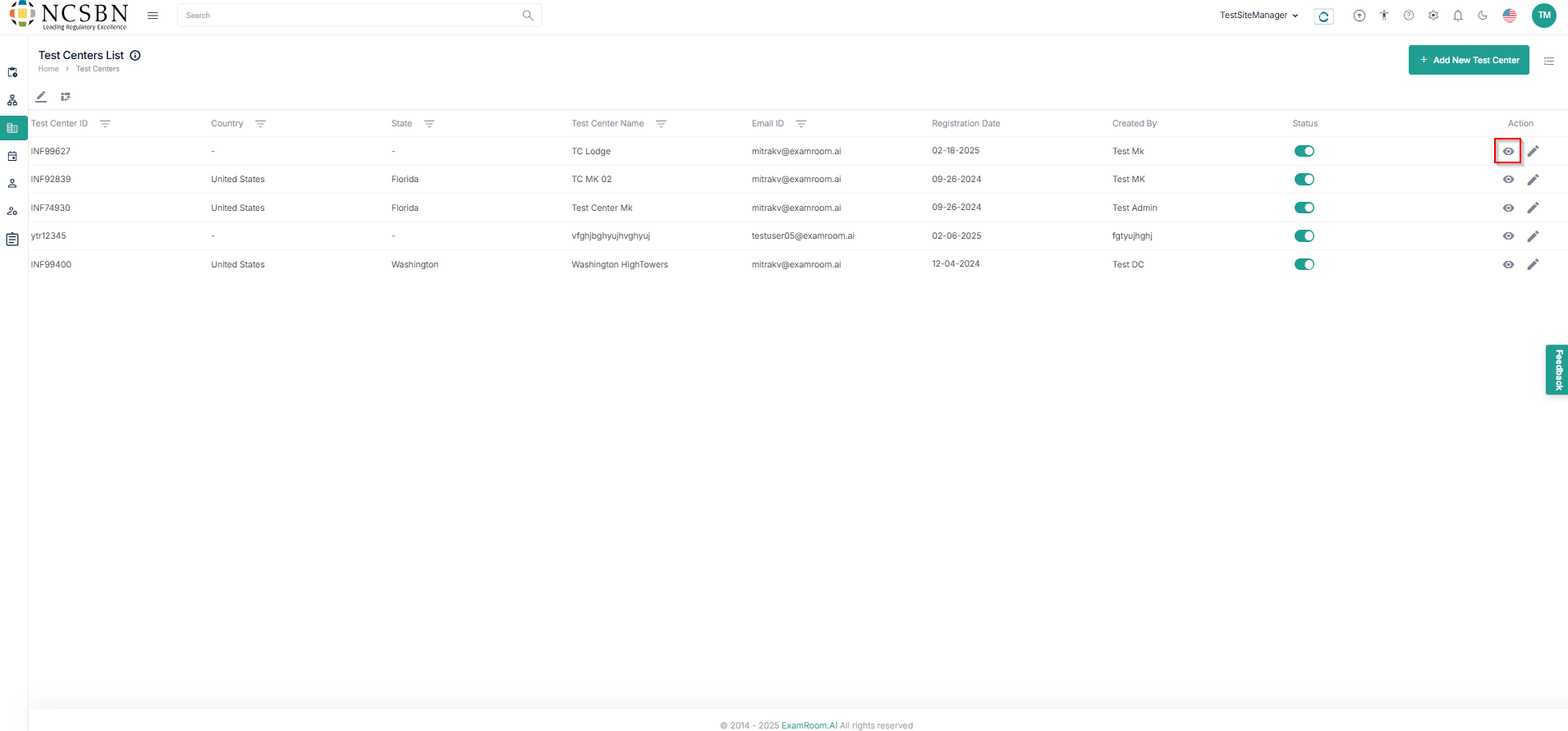
- All the submitted Test center lists are visible under the Test Center List.
- Click the view (
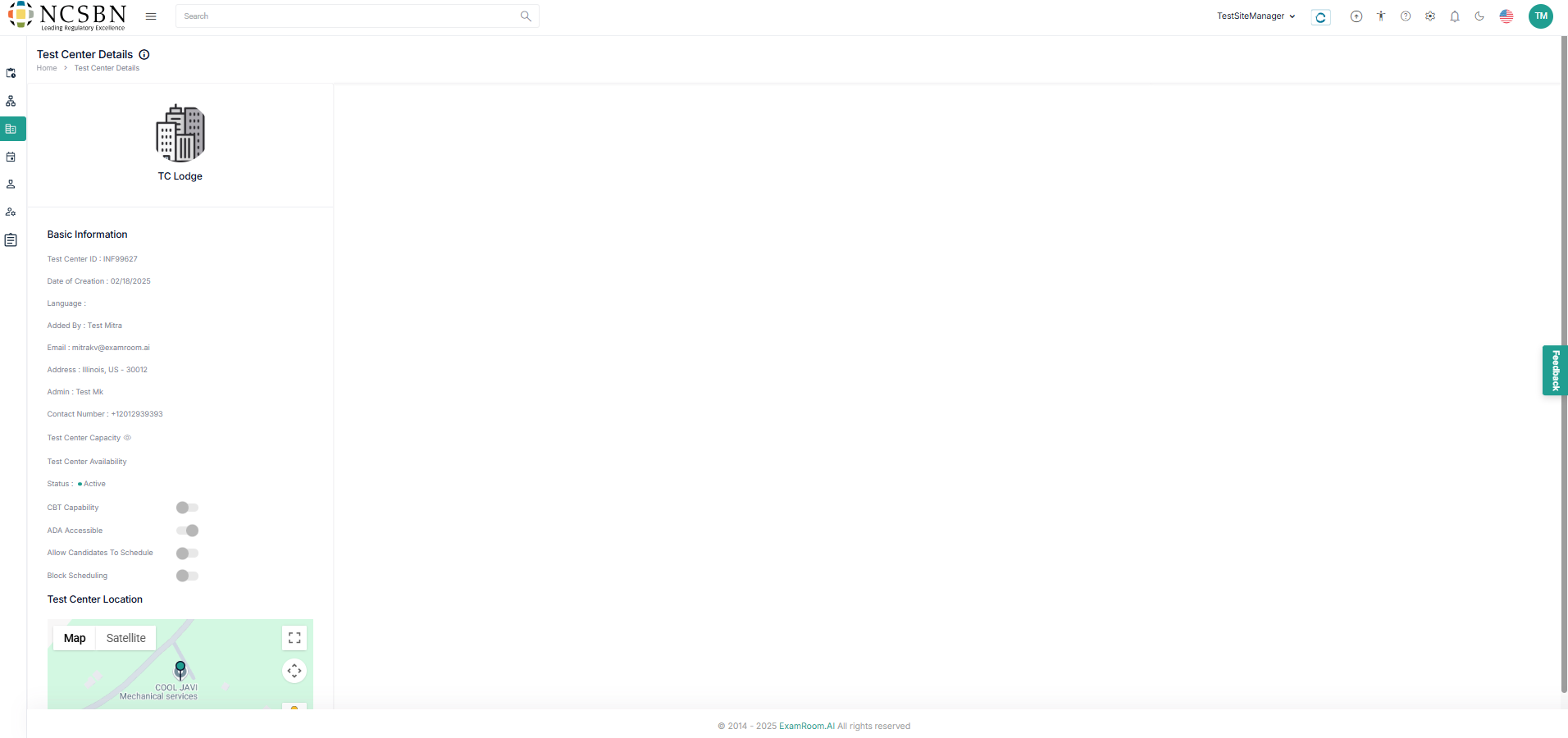
) icon to view the test center details.
- For the live test centers, Click the view (
Note:- Test Center Capacity and Availability can be managed using the options in basic information.
- Test Center Capacity and Availability can be managed using the options in basic information.
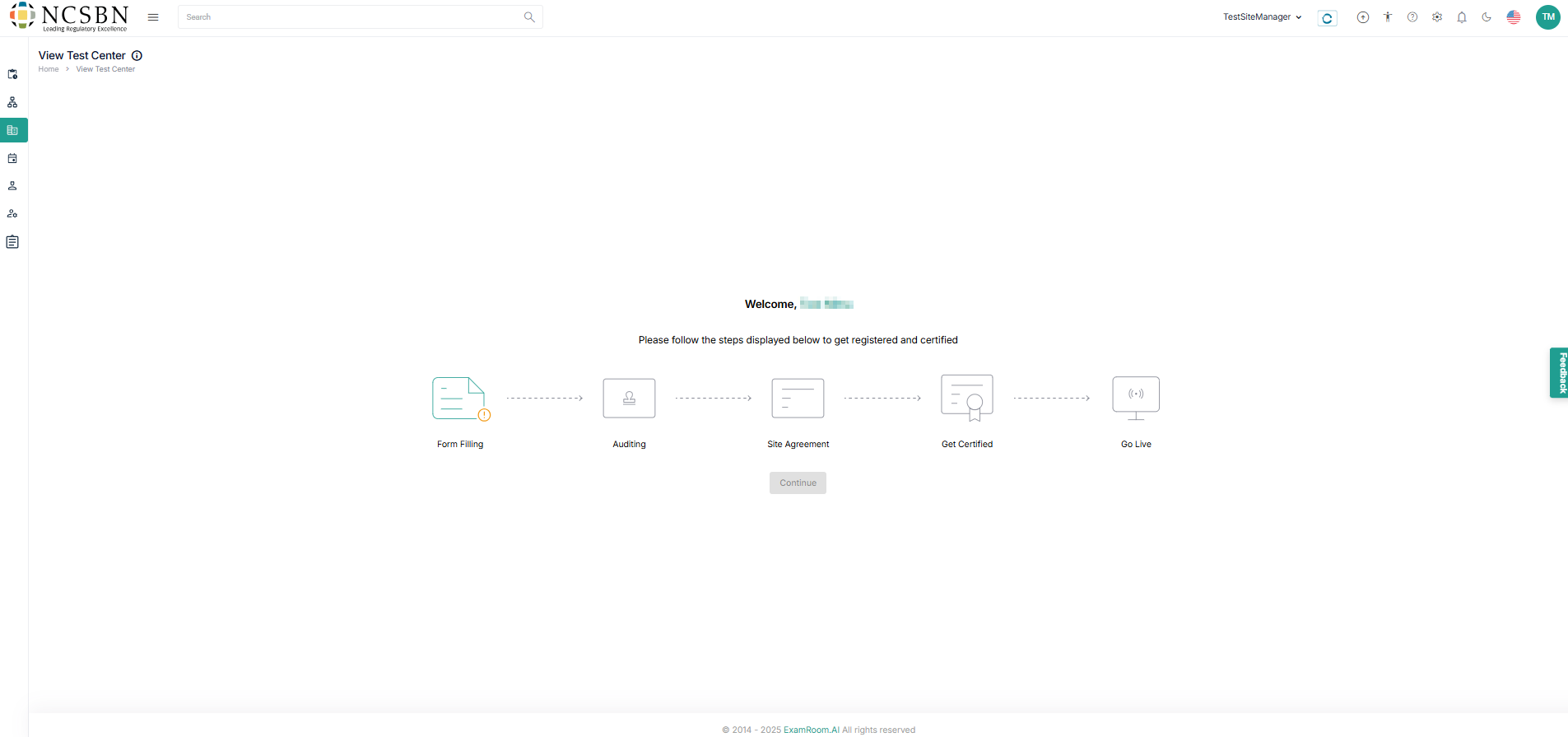
- For the In Progress applications, Click the view (
- For the live test centers, Click the view (
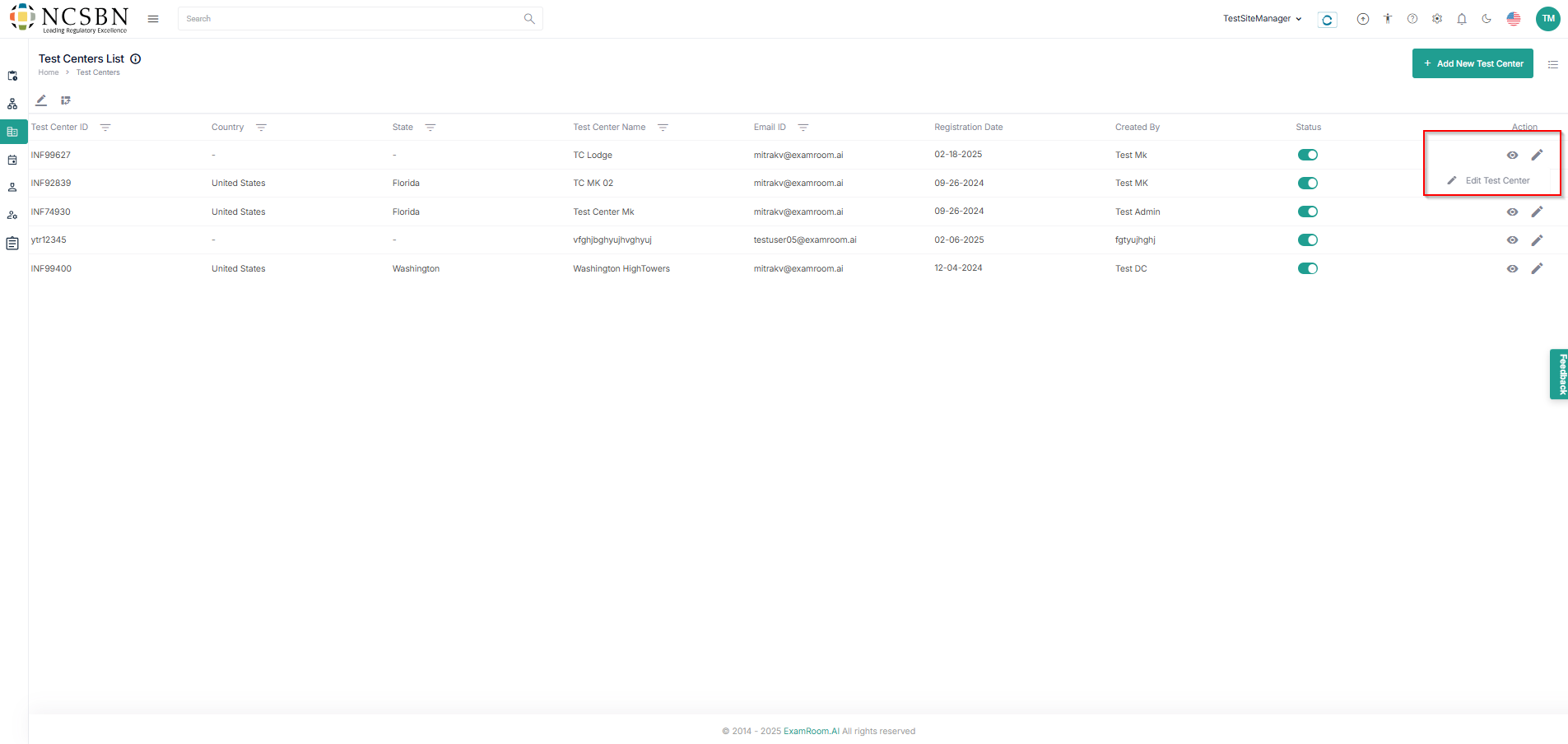
- Click the pencil (
) icon to edit the application form.