View and Manage Slots
Slot Management is used to add and manage slots for the test center. It also notifies the registered candidates to avail themselves of the slots as per their requirements and availability.
Slot: View and Manage
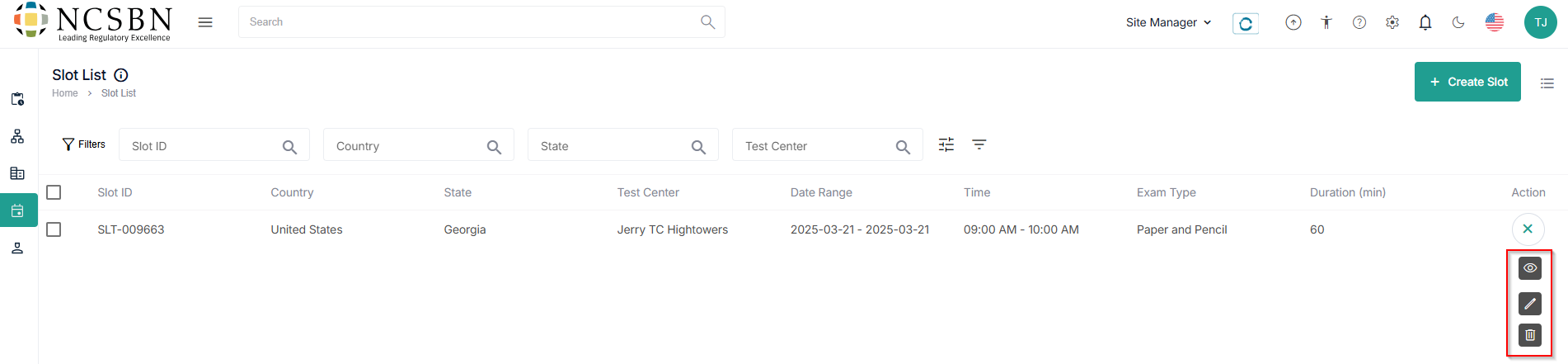
- All the created slots are visible under the Slot List tab.
Note:- Click the hamburger (
) icon to customize the display sections.
- Use Filters to search for specific slot details.
- Click the hamburger (
- Manage the slots using view, edit, and delete options under the Action field.
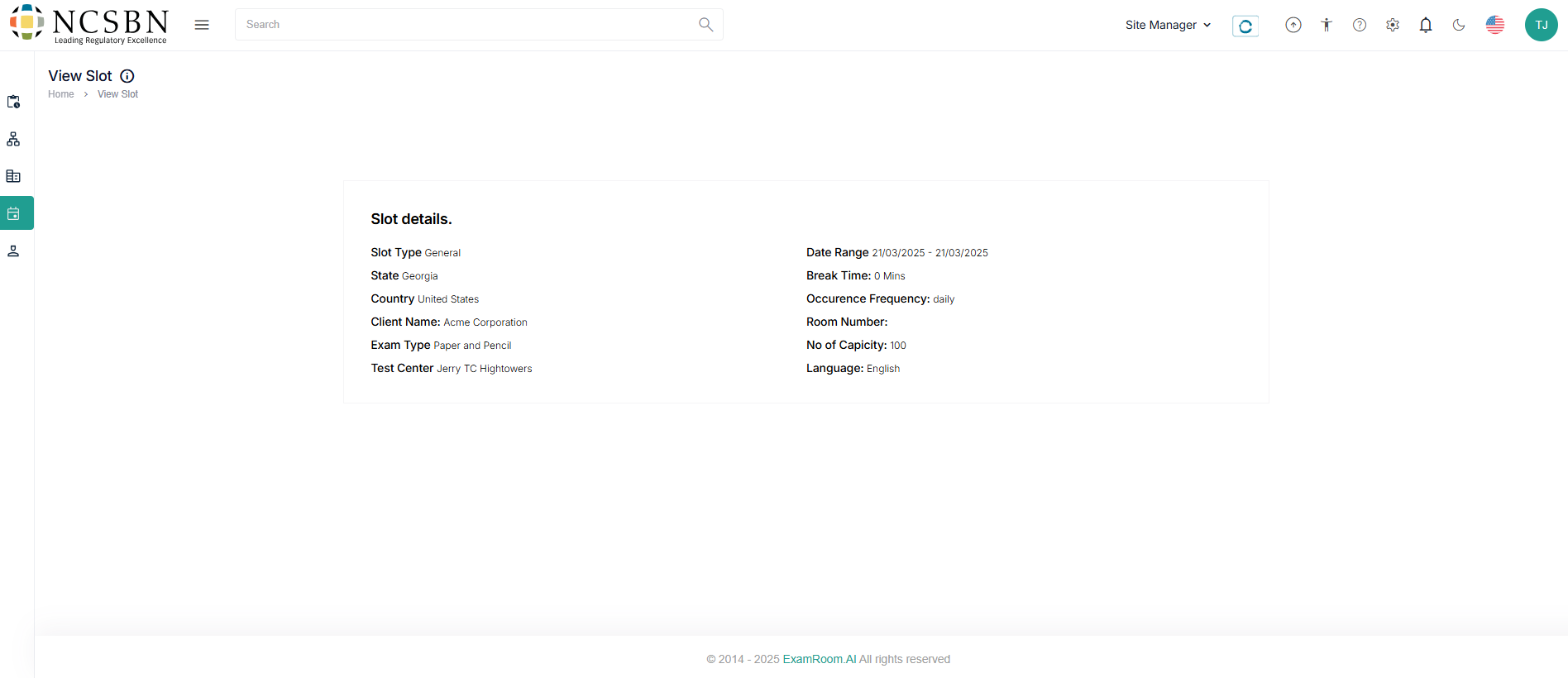
- Click the view (
) icon to view the slot details.
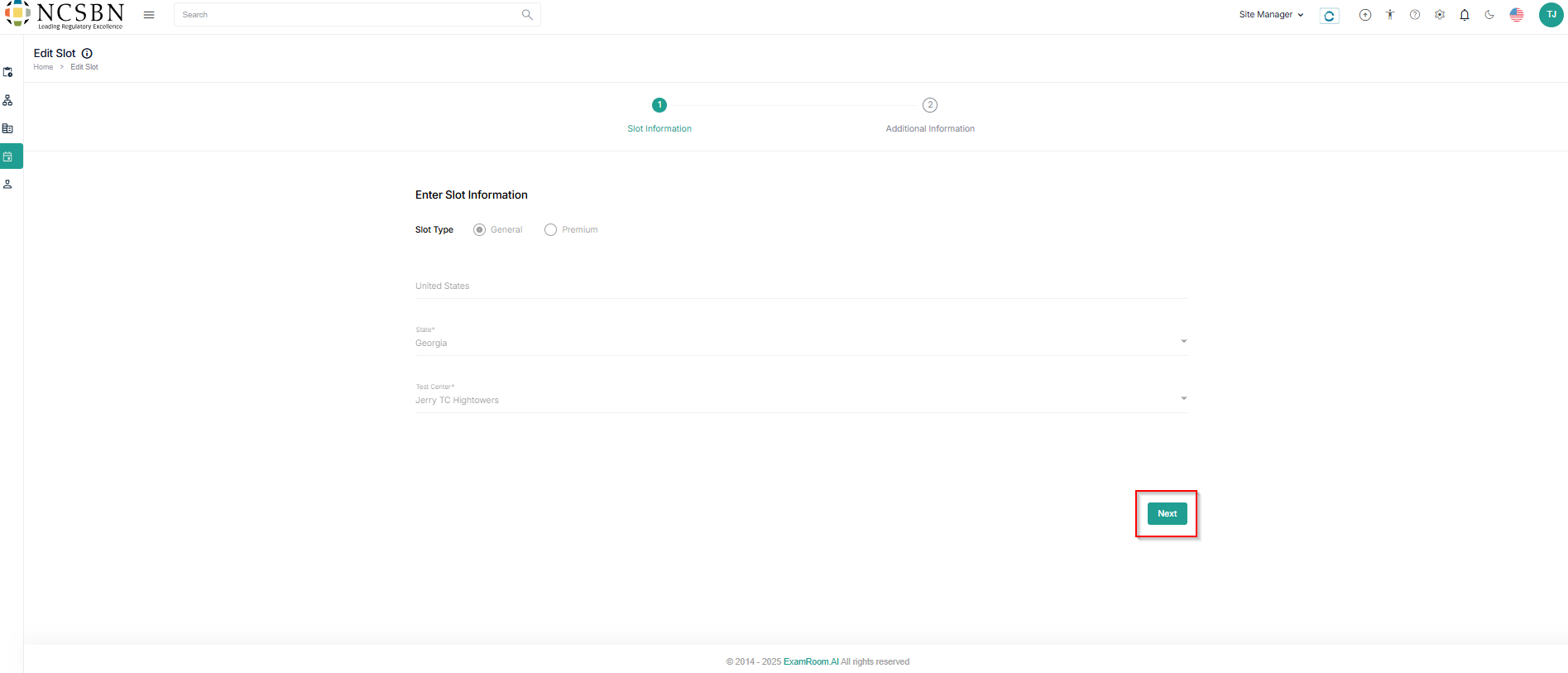
- Click the Edit (
) icon to edit or update the slot details and Next to proceed further.
Note:- Refer to Create Slot – Slot Information to edit or update the details.
- Slot Type can’t be updated.
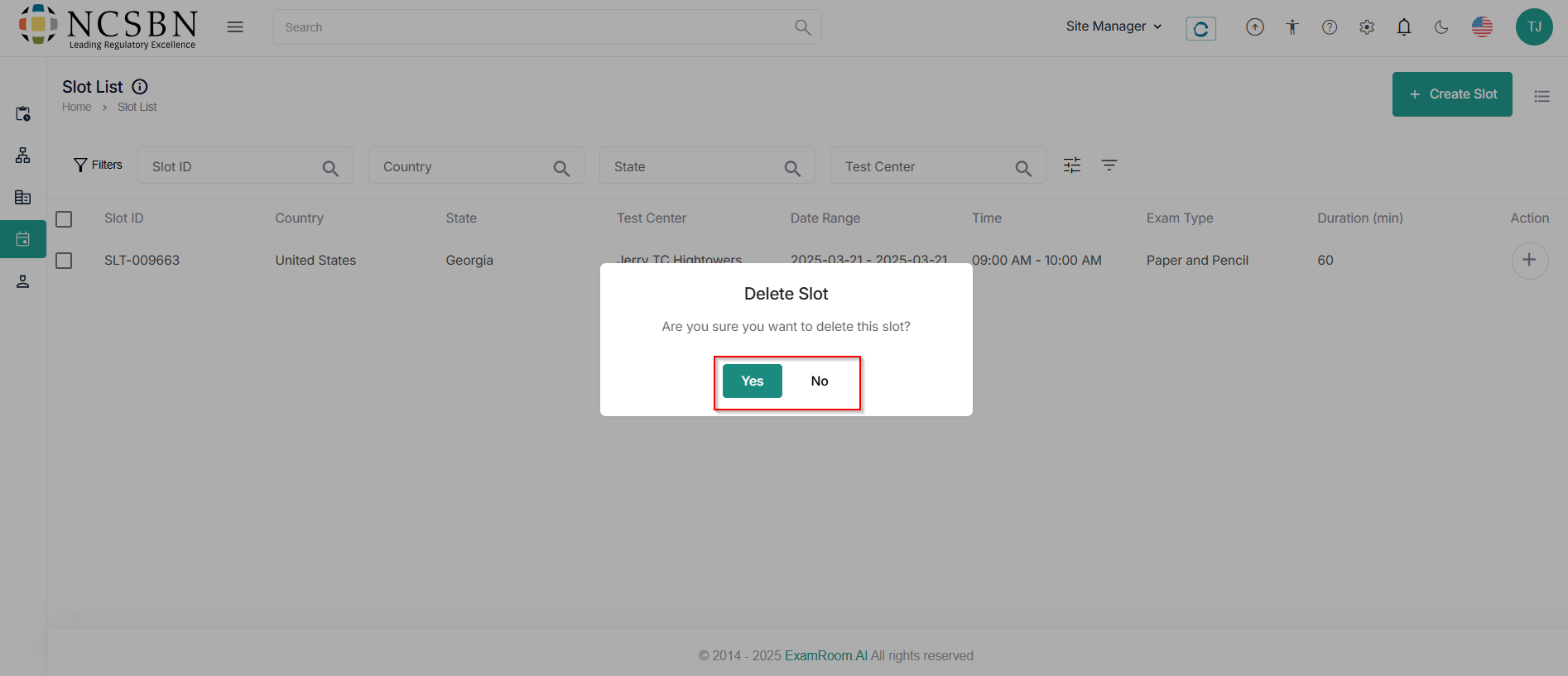
- Click the delete (
) icon to delete the slot.
- A dialogue box asks for confirmation to delete the slot. Click Yes to delete the slot, else No to cancel.
- Click the view (