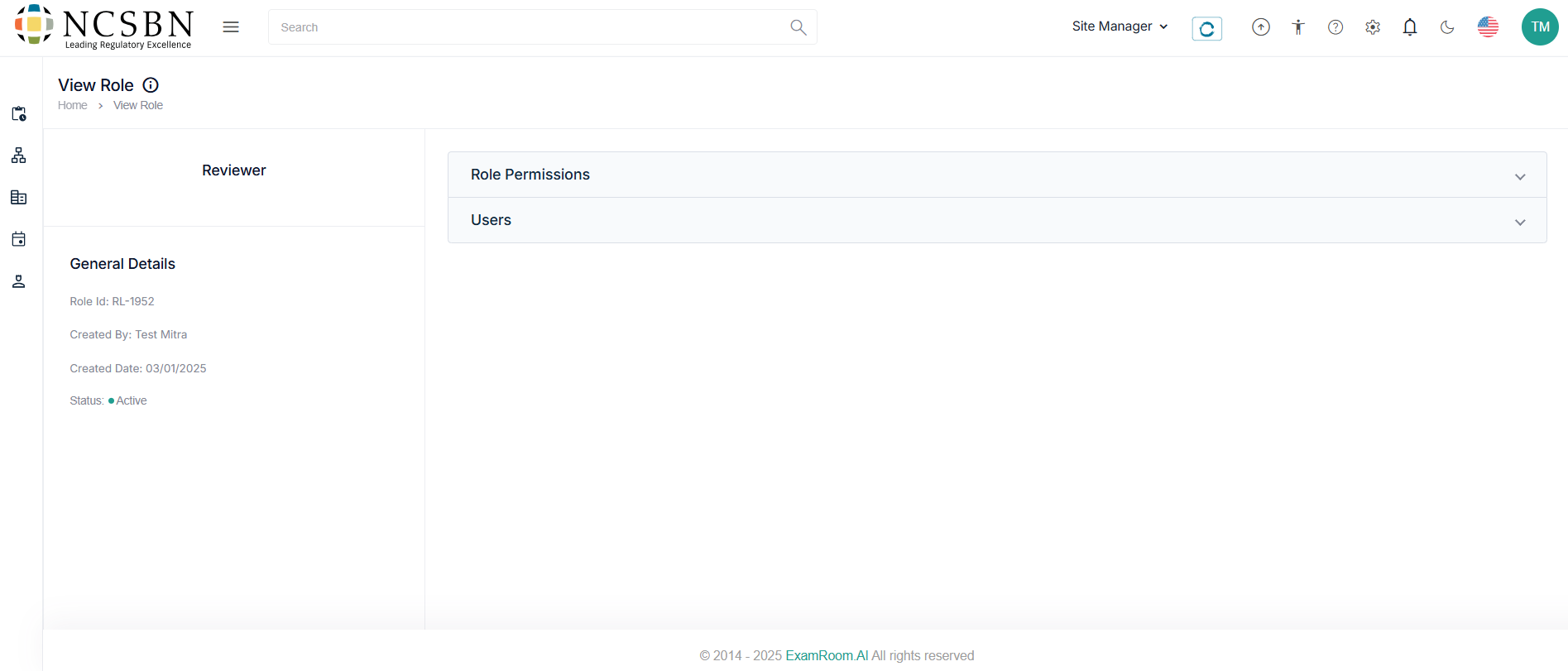
View and Edit User Role
The Site Manager can manage all the user roles associated with the test site under the action tab.
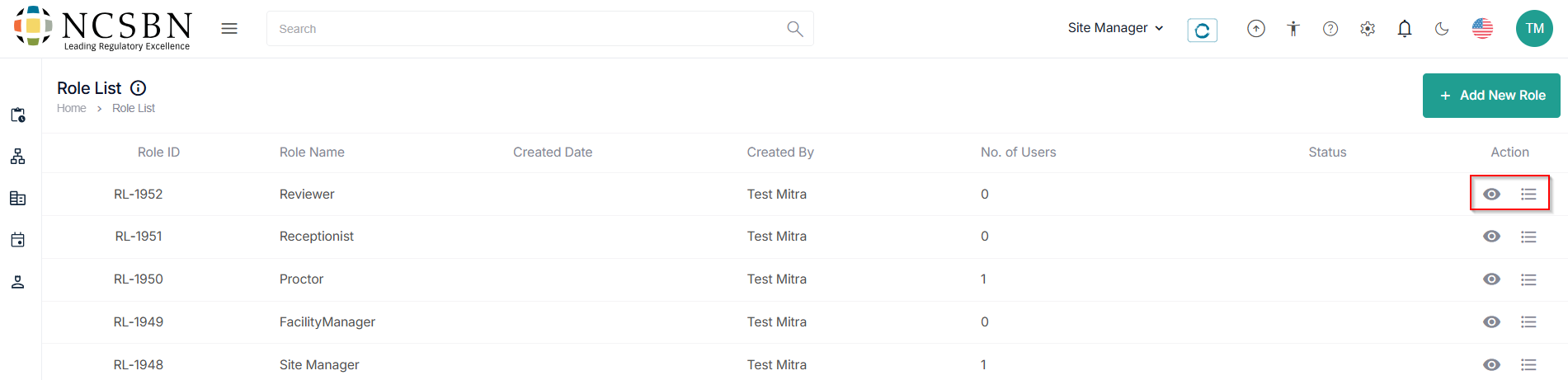
- Click the view (
) icon under the action tab to view the in-depth role general, permission, and added user details.
- Click the hamburger (
) icon under the action to edit the role details.
- Click Submit to create a new role, Save as Draft to save the application details, or Cancel to go back to the roles list.