Site Agreement
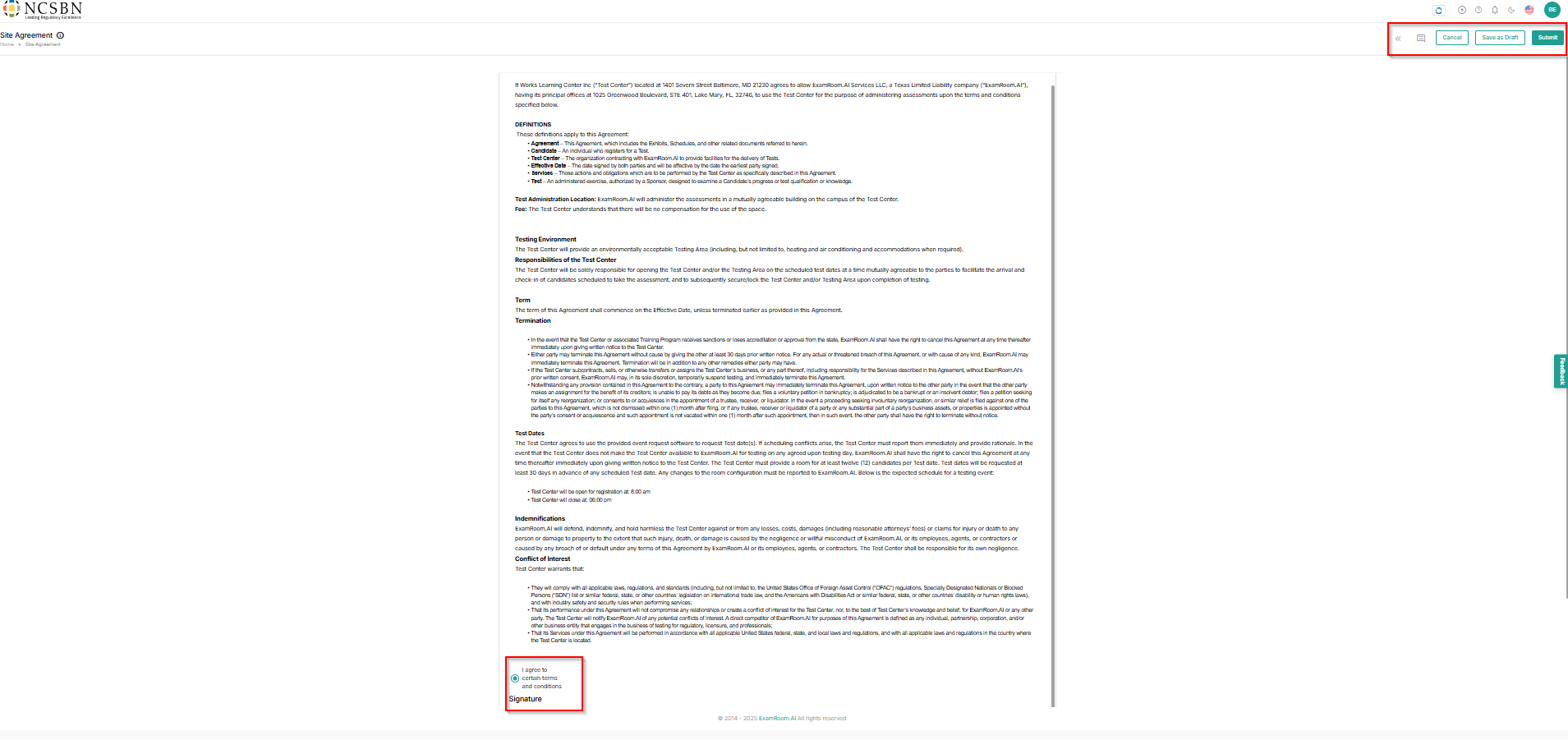
- In the Site Agreement, a form sent by the operations team will be displayed.
- Ensure you read the agreement carefully and click the radio button to I agree to certain terms and conditions.
- Sign in the Signature field as an acknowledgment of the site agreement.
- Click Clear to clear the signature and resign.
- Click Submit to send the agreement to operations staff for review, Save as Draft to save the application form and continue later, and Cancel to exit the process without saving.
- Click the message (
) icon to view the Comments from operations staff and the double arrow (
) icon to view the Activity Timeline.
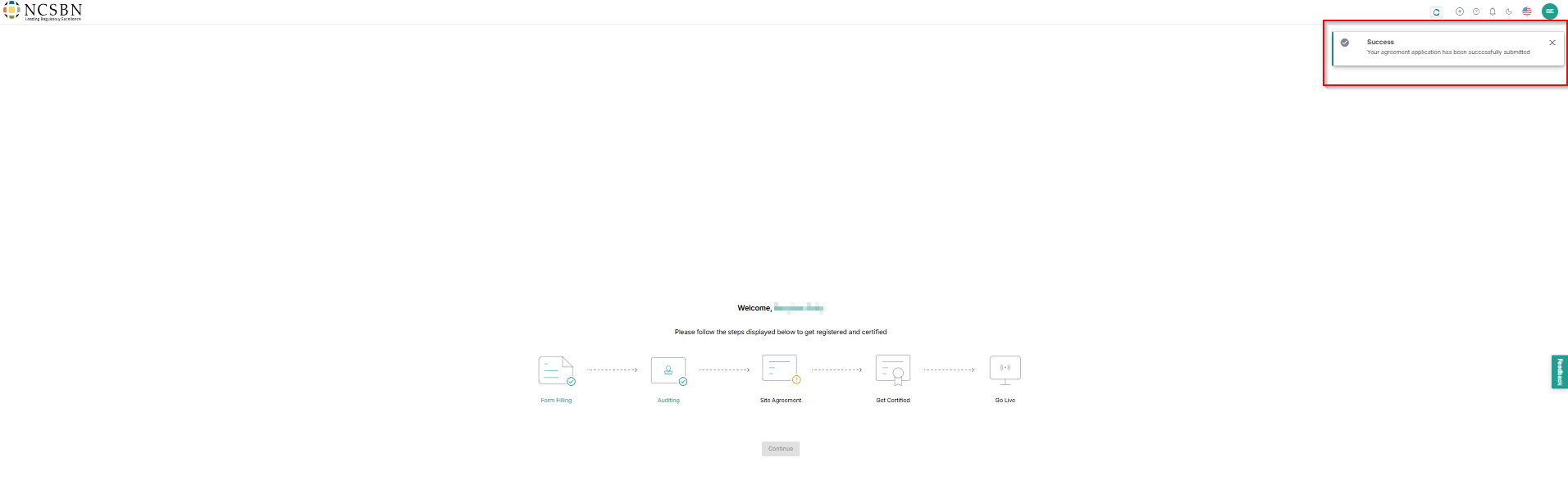
- After submission, you will receive a toaster message stating that Your agreement application has been successfully submitted and sent for operations staff review.
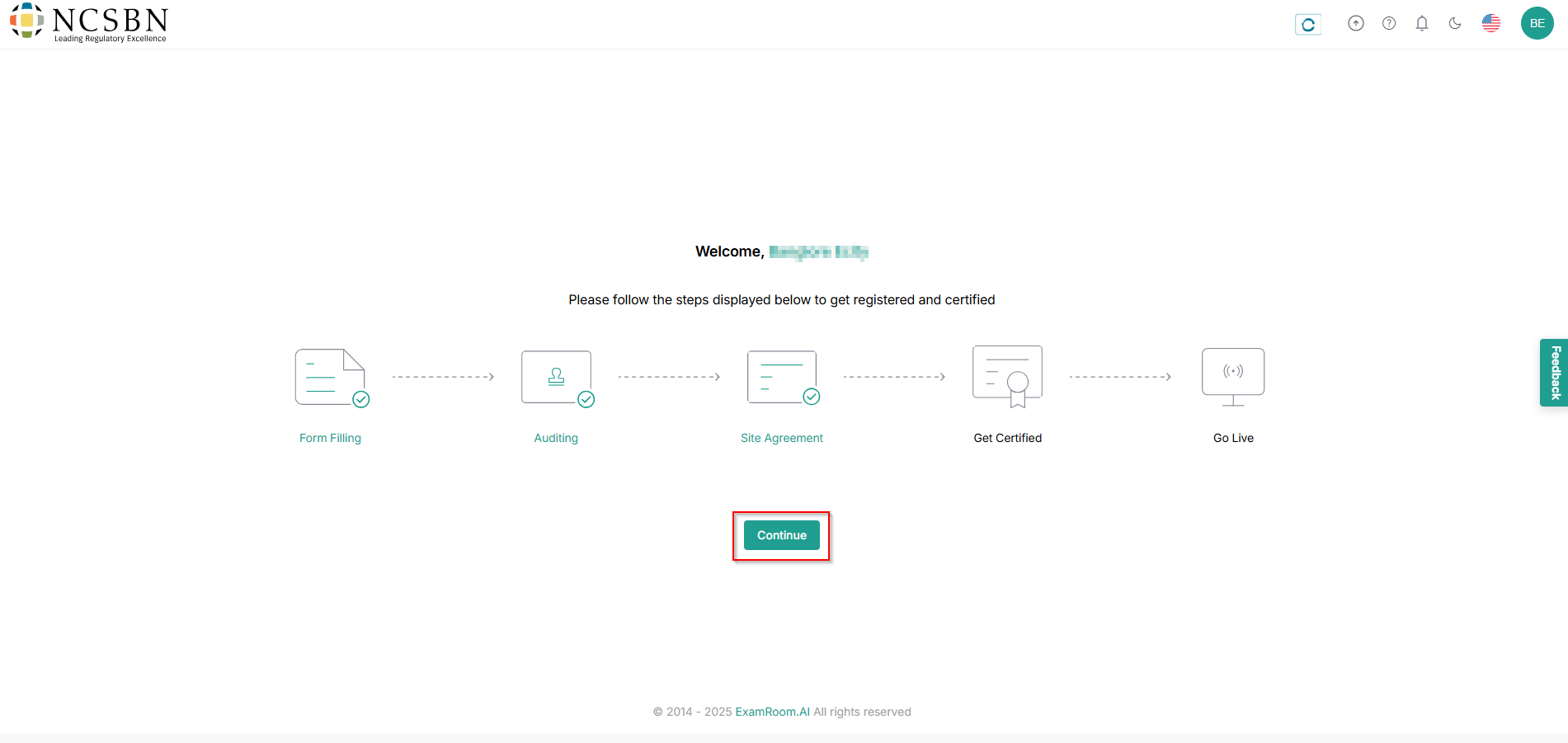
- Post approval, the site managers are notified with a message that The Site Agreement has been successfully approved and can view the site agreement card.
- Once approved, click Continue for certification.